FormWith
- Content
- Reference
- Quality
- Editing
- Usability
The problem
AI-generated results.Satisfied?
Start over again…
Resize it again?
The text broke again
Again for every channel?
What do I even prompt?
I had to learn it after all
About46%
The biggest sticking point
“I don't know where to start.”
Nolearningneeded
 One reference
. FormWith does the rest.
No need to learn AI or design. You do two things: click and check.
No expertise needed
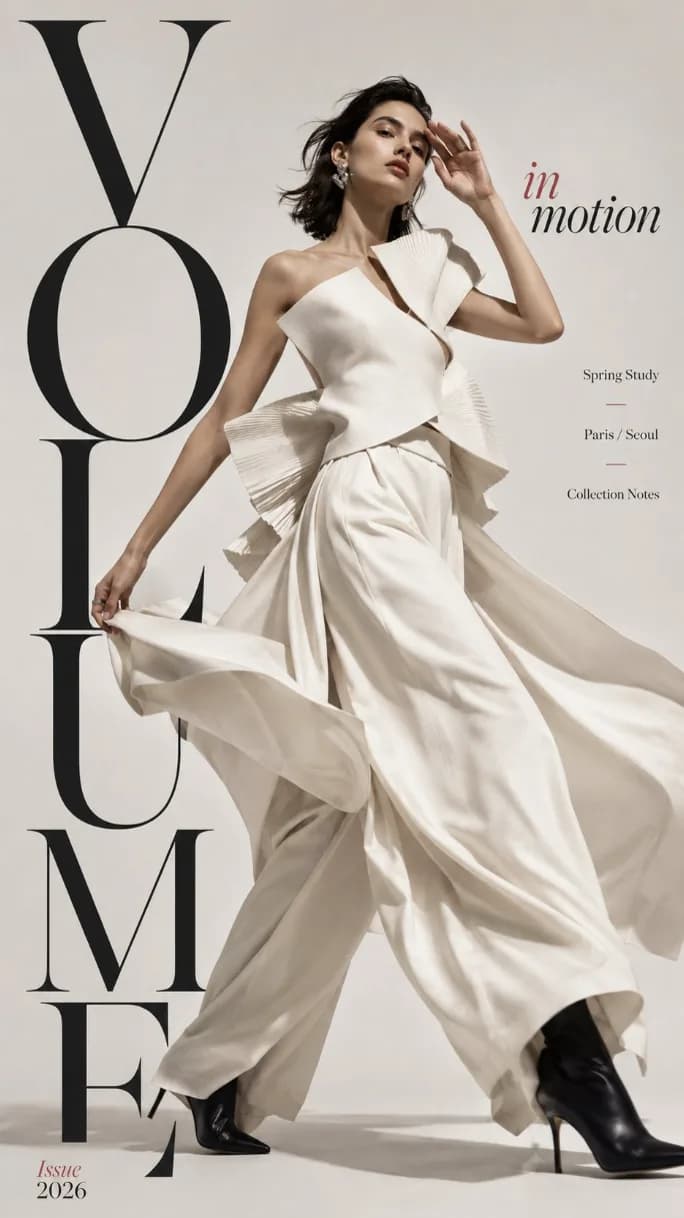
Just type it. Get the picture you want.
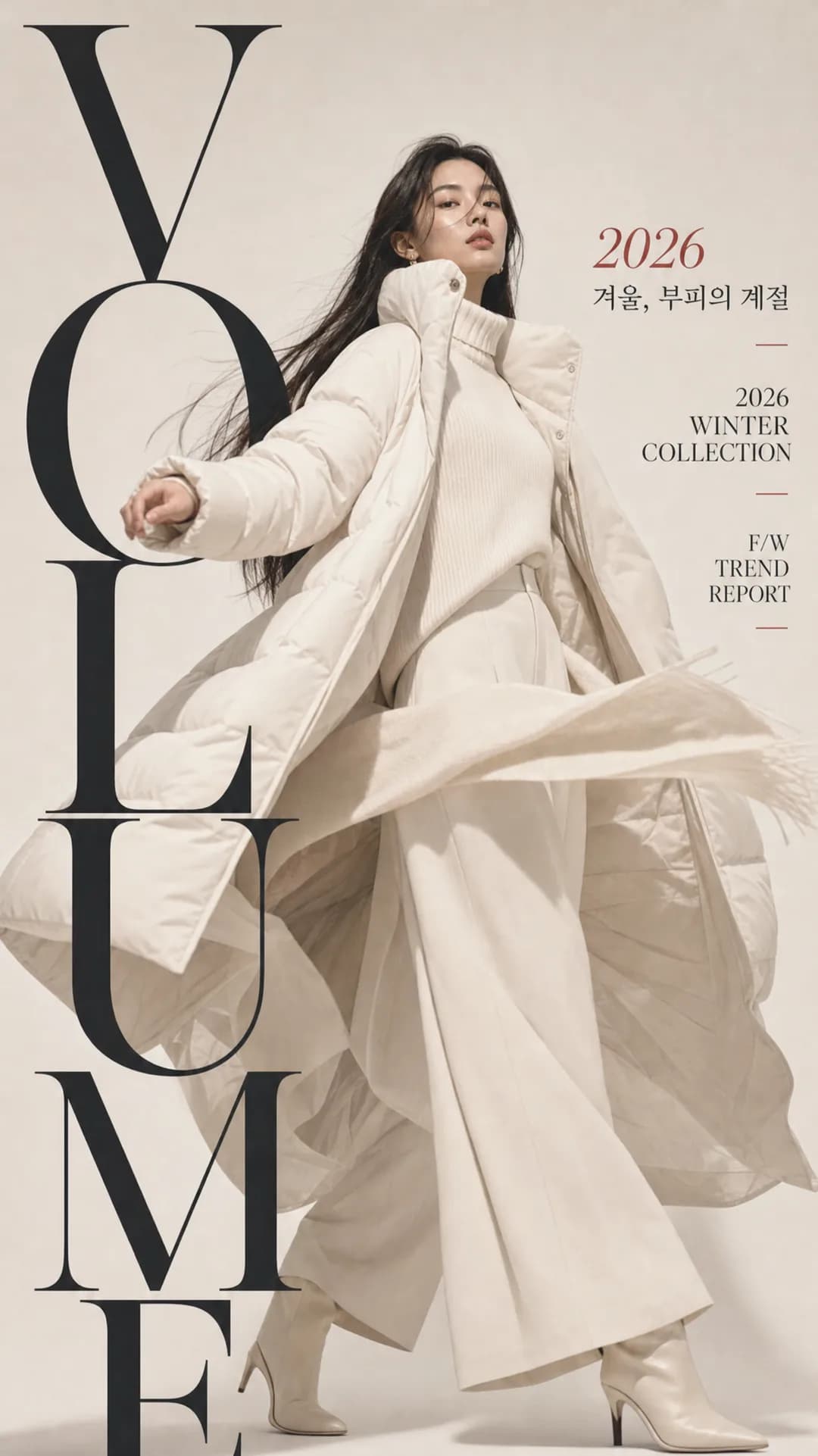
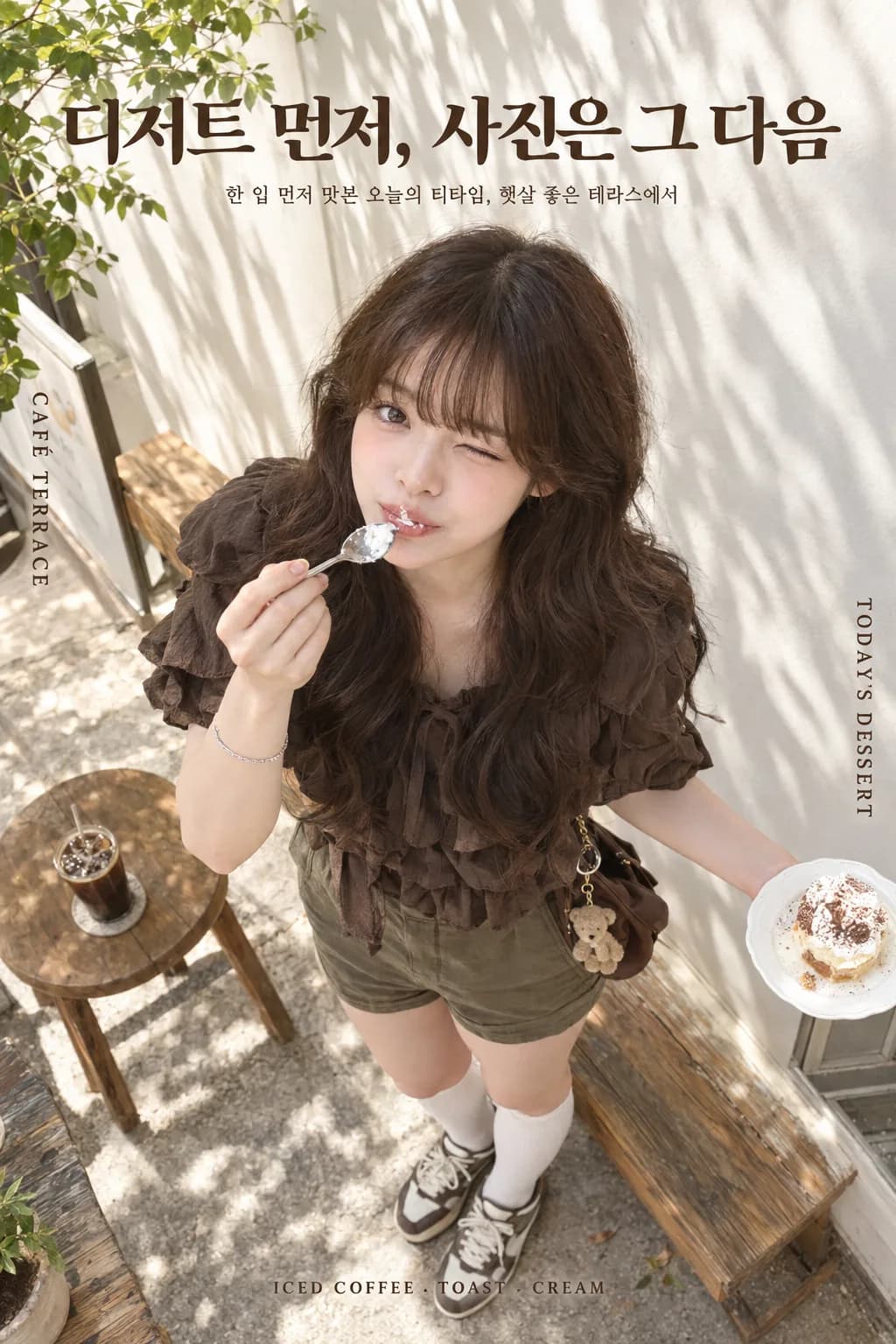
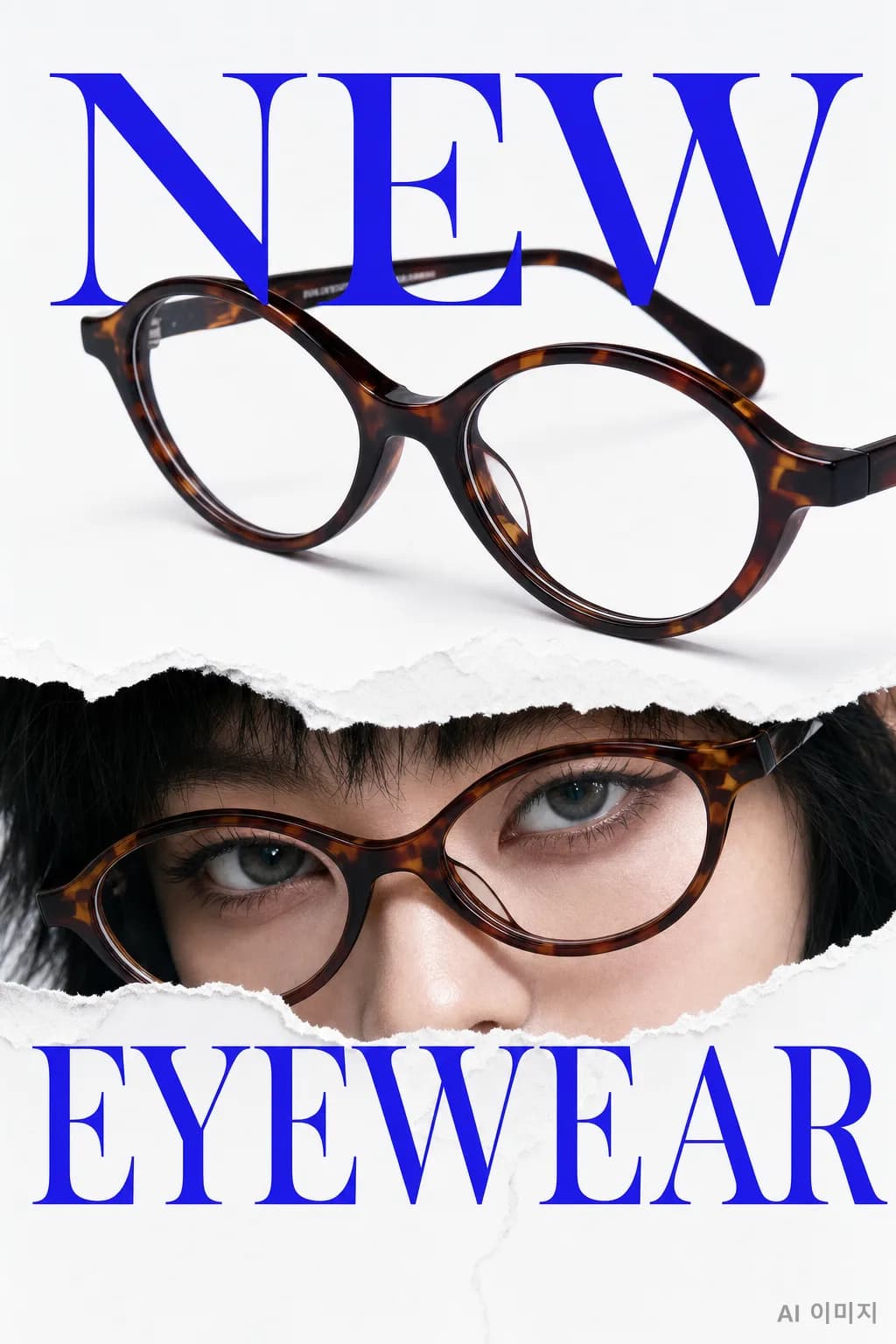
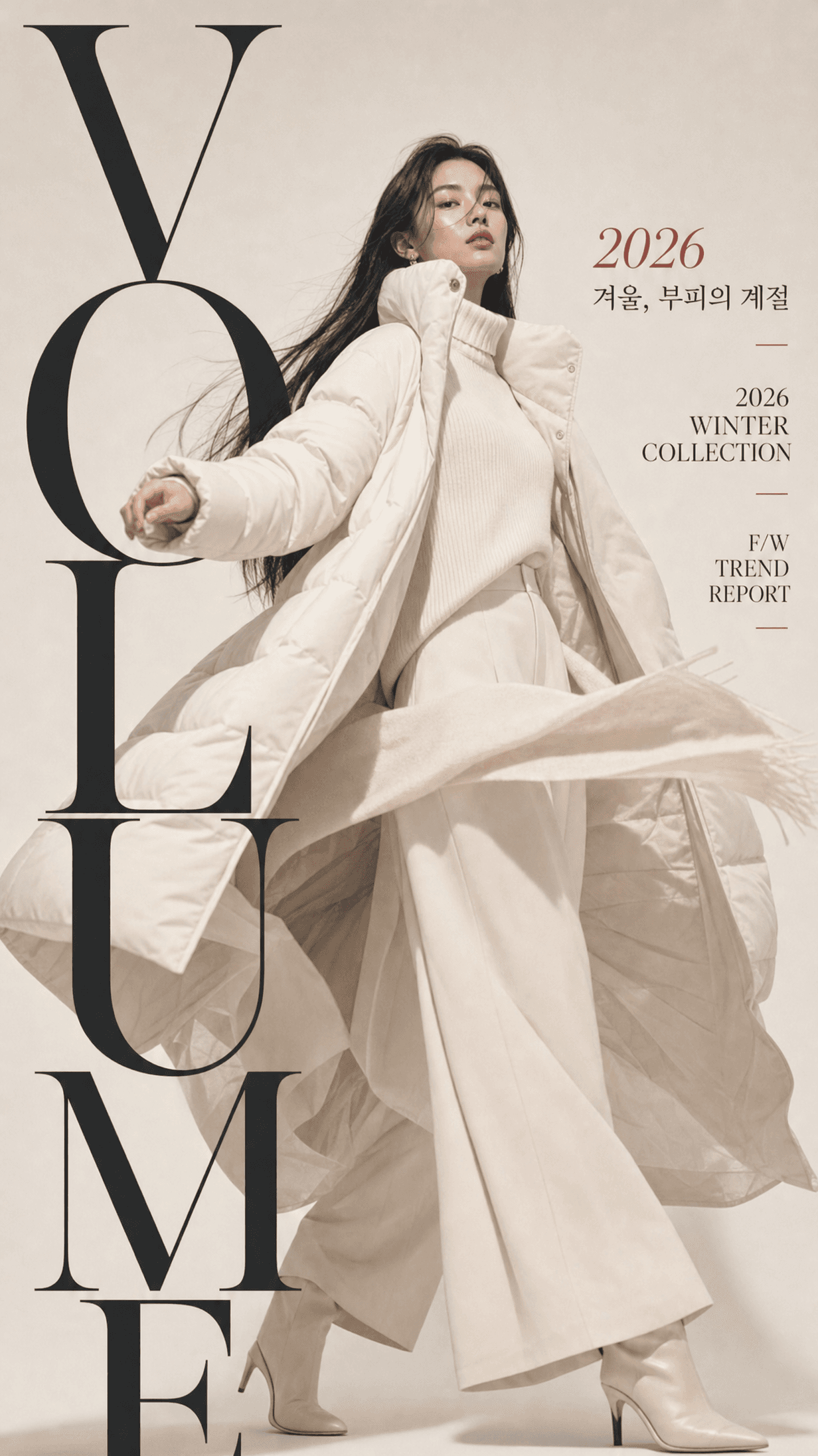
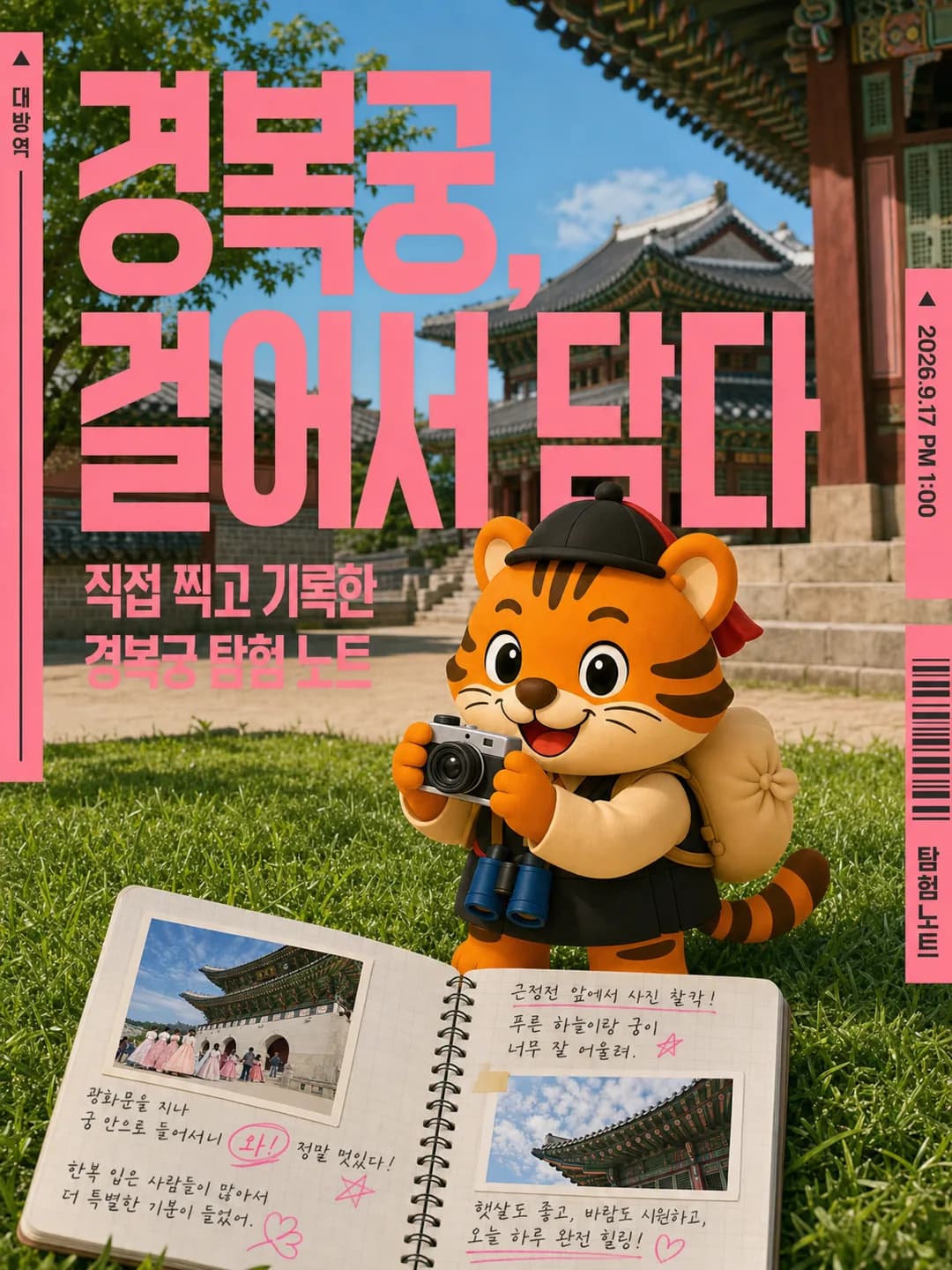 Make a cover with a new winter-collection feel
From image
to video,
in one place.
All featuresMany slides, one tone.
Starting from one article or a YouTube link More on card news


One photo,
a detail page this long.
Plan · copy · sections Scroll itMore on detail pages

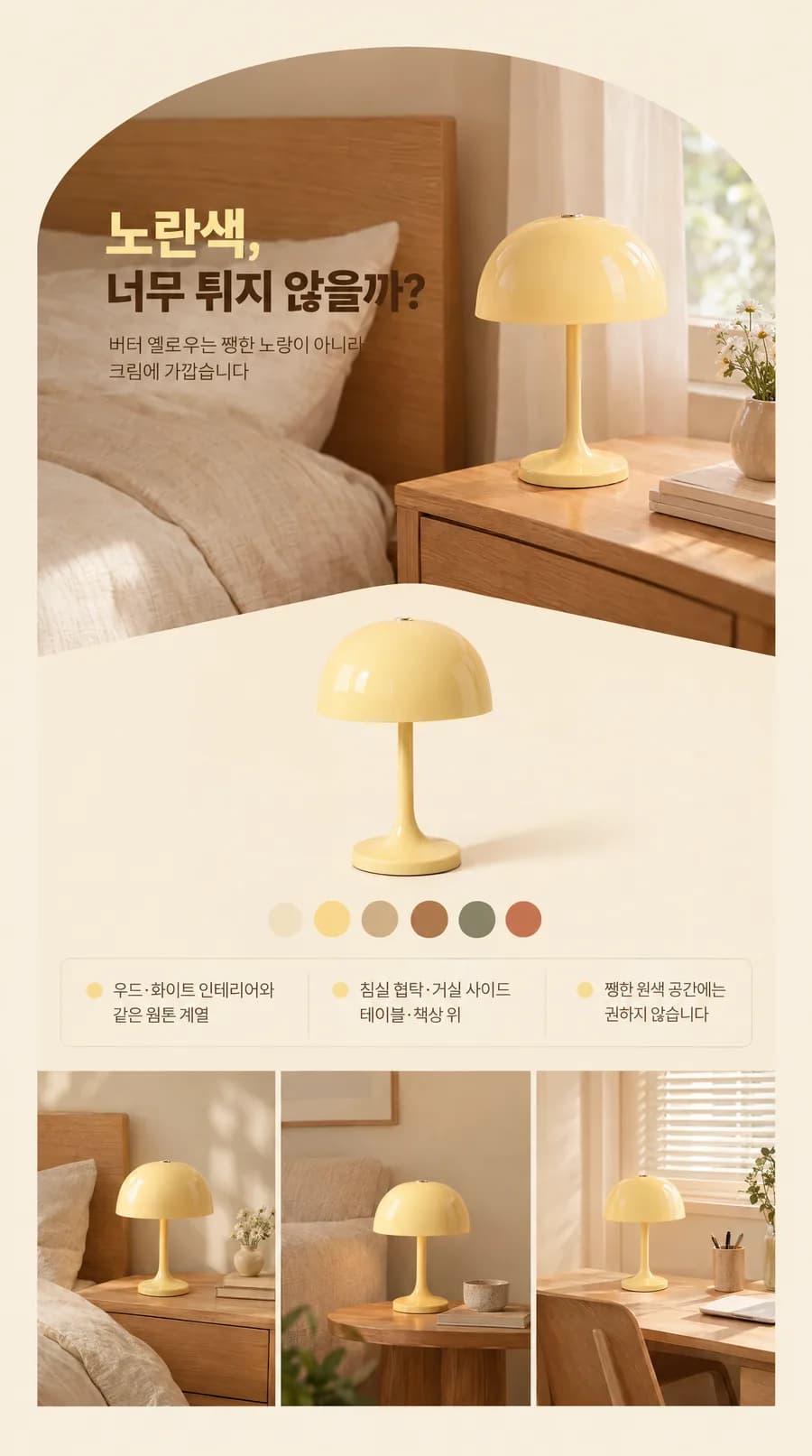

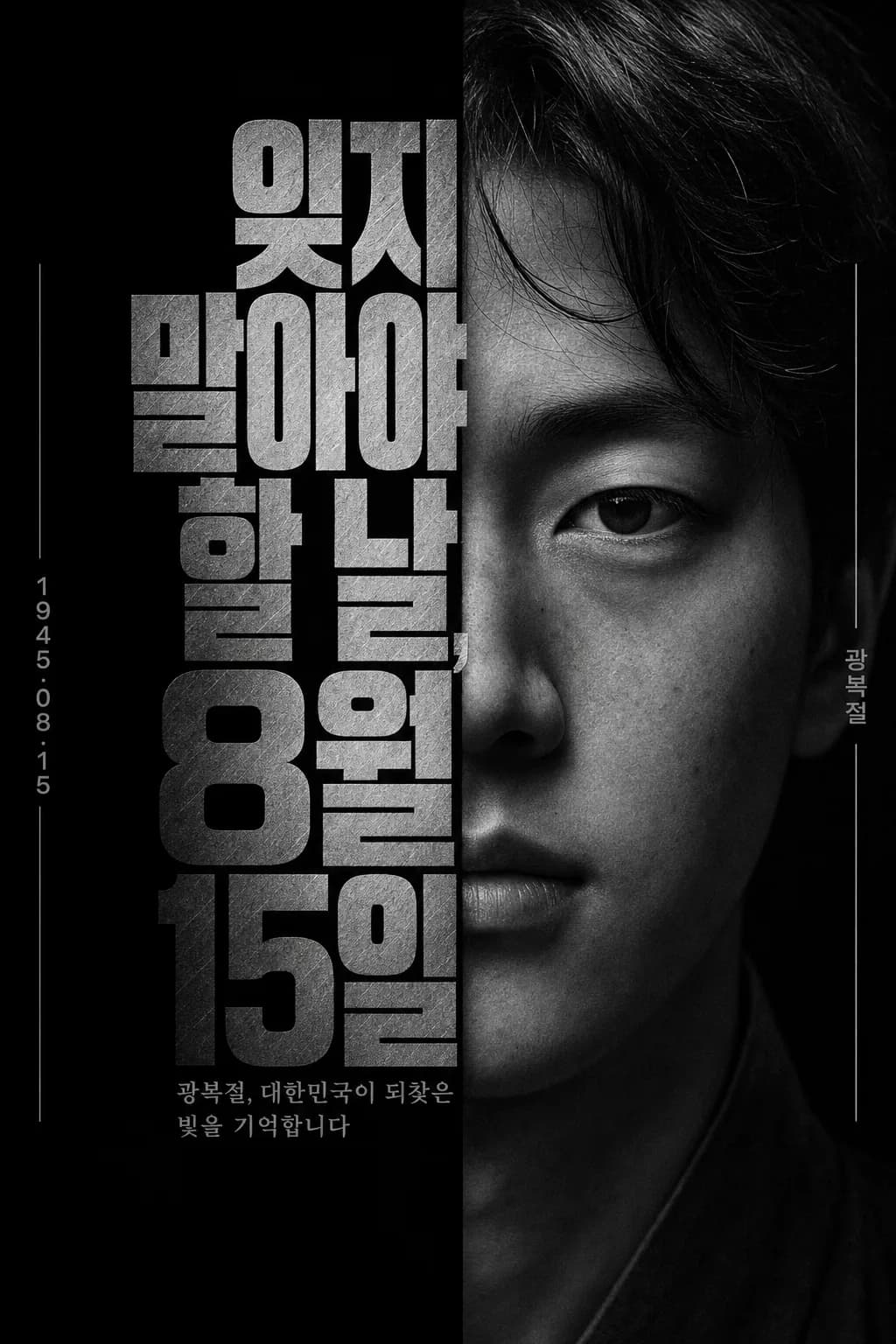
One line, one poster.
Events, seasons, your brand mood More on postersSame character, new scenes.
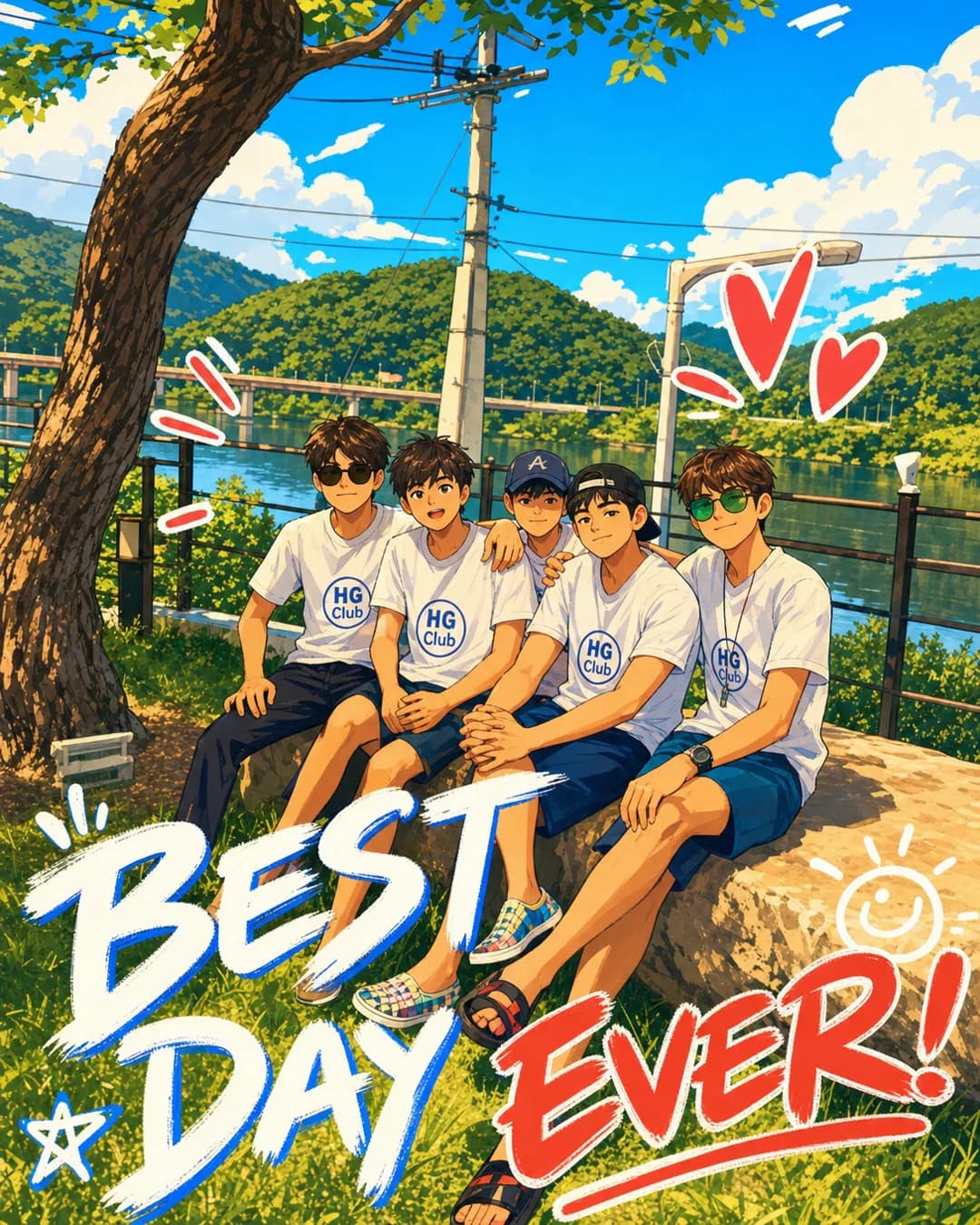
Make it once, keep the same face More on characters
Fix it too
Paint the spot,and onlythat changes.
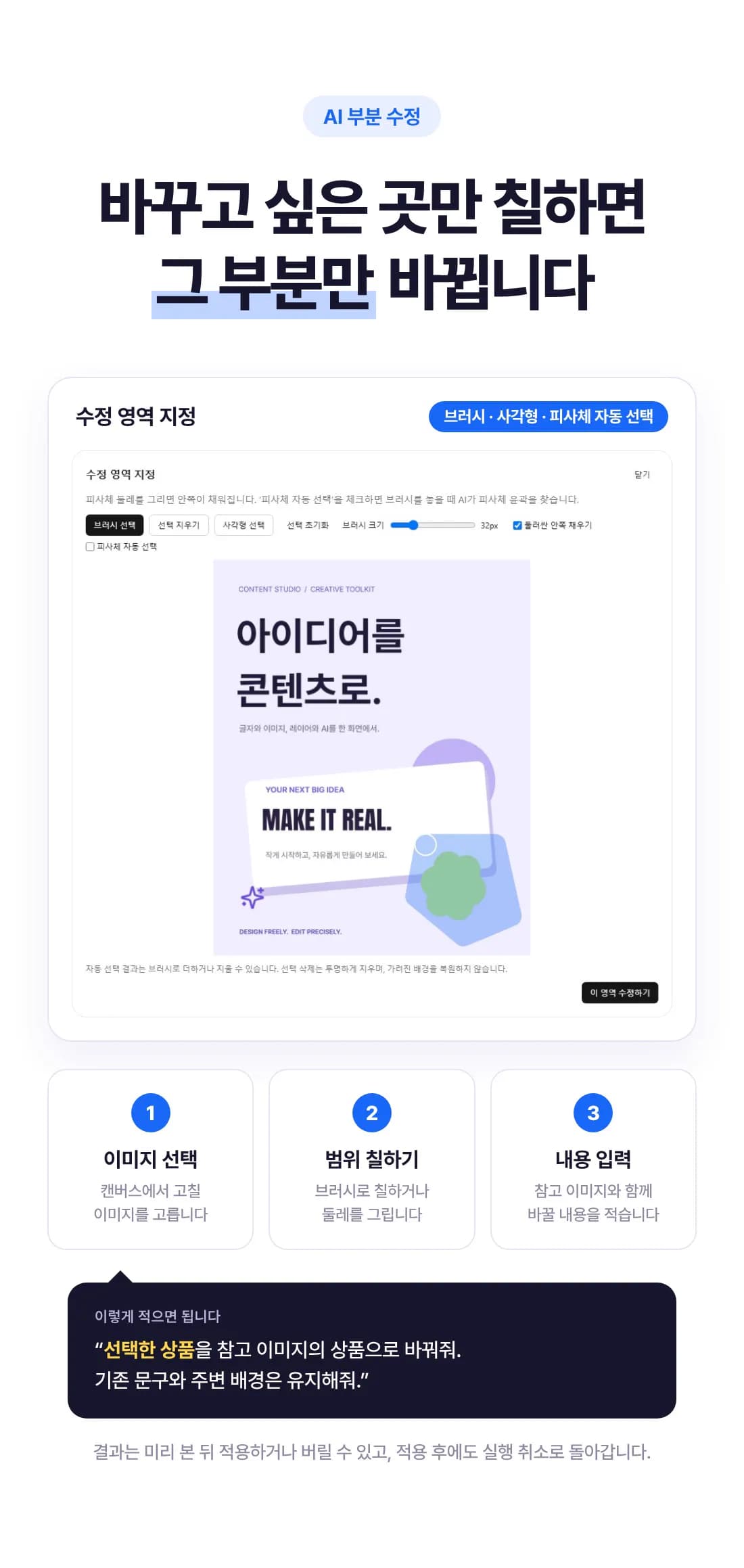
It's more than fixing an area.
All of this lives in one editor.
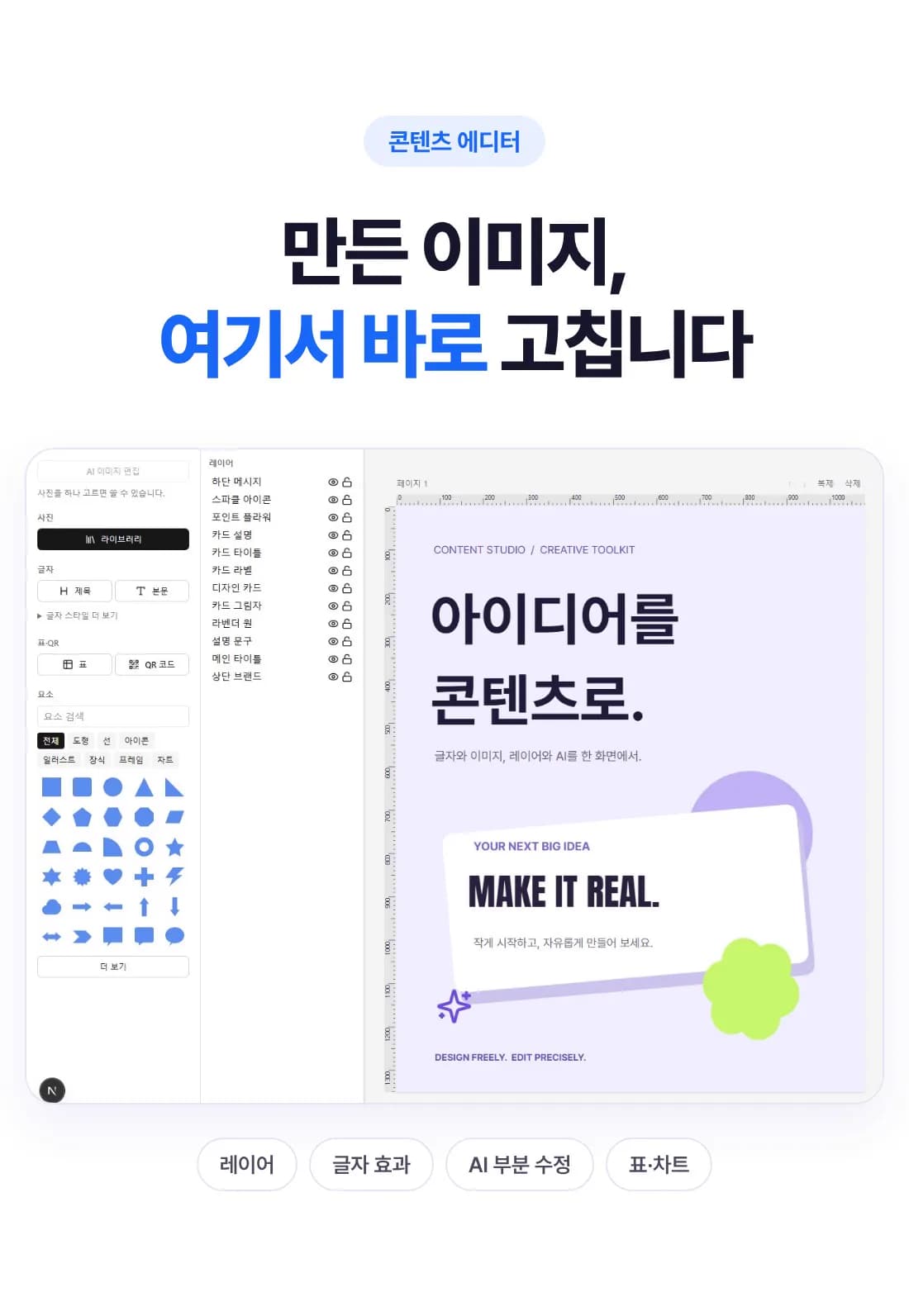
Content editor
Fix what you made, right here
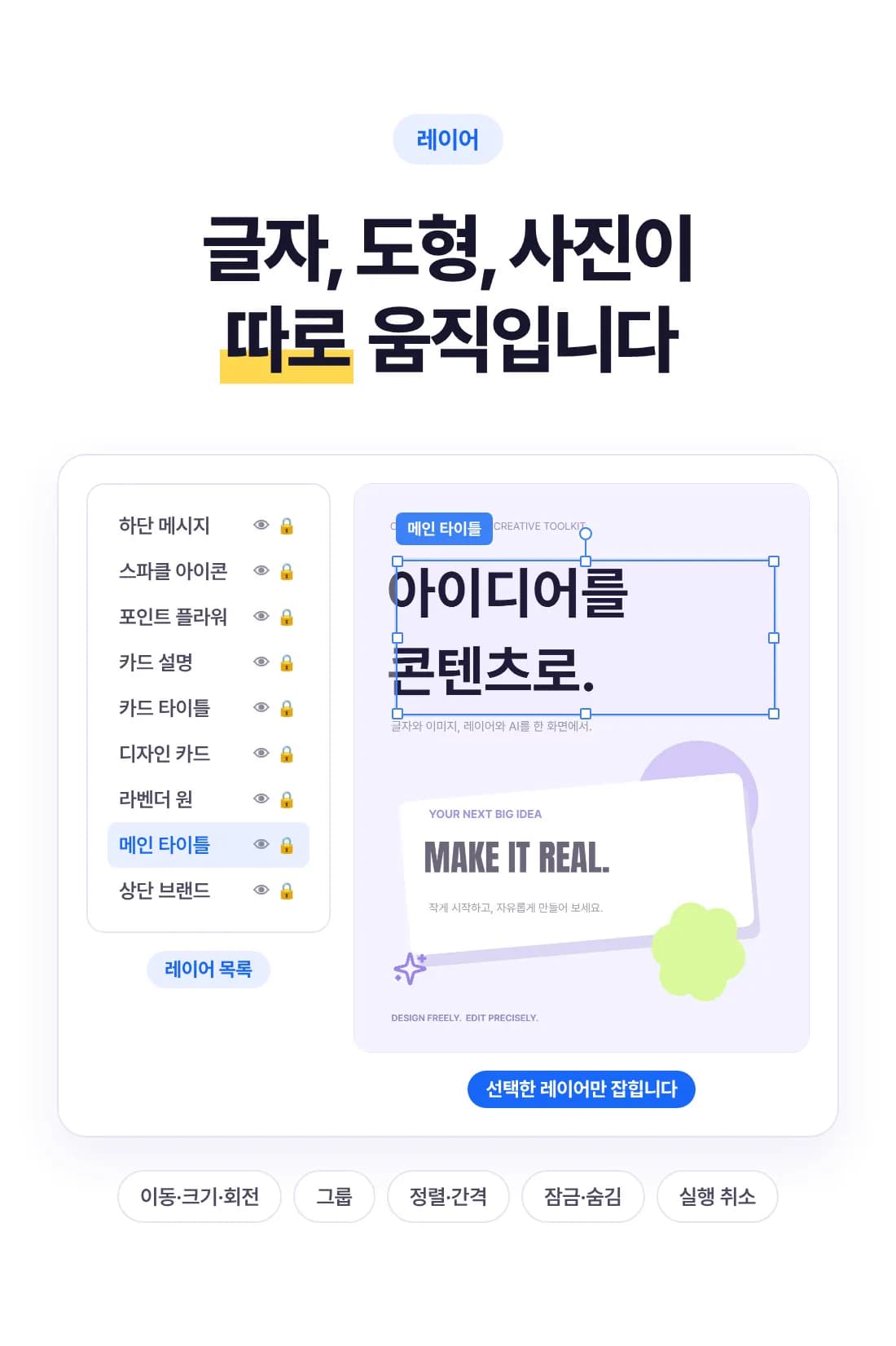
Layers
Text, shapes and photos move separately
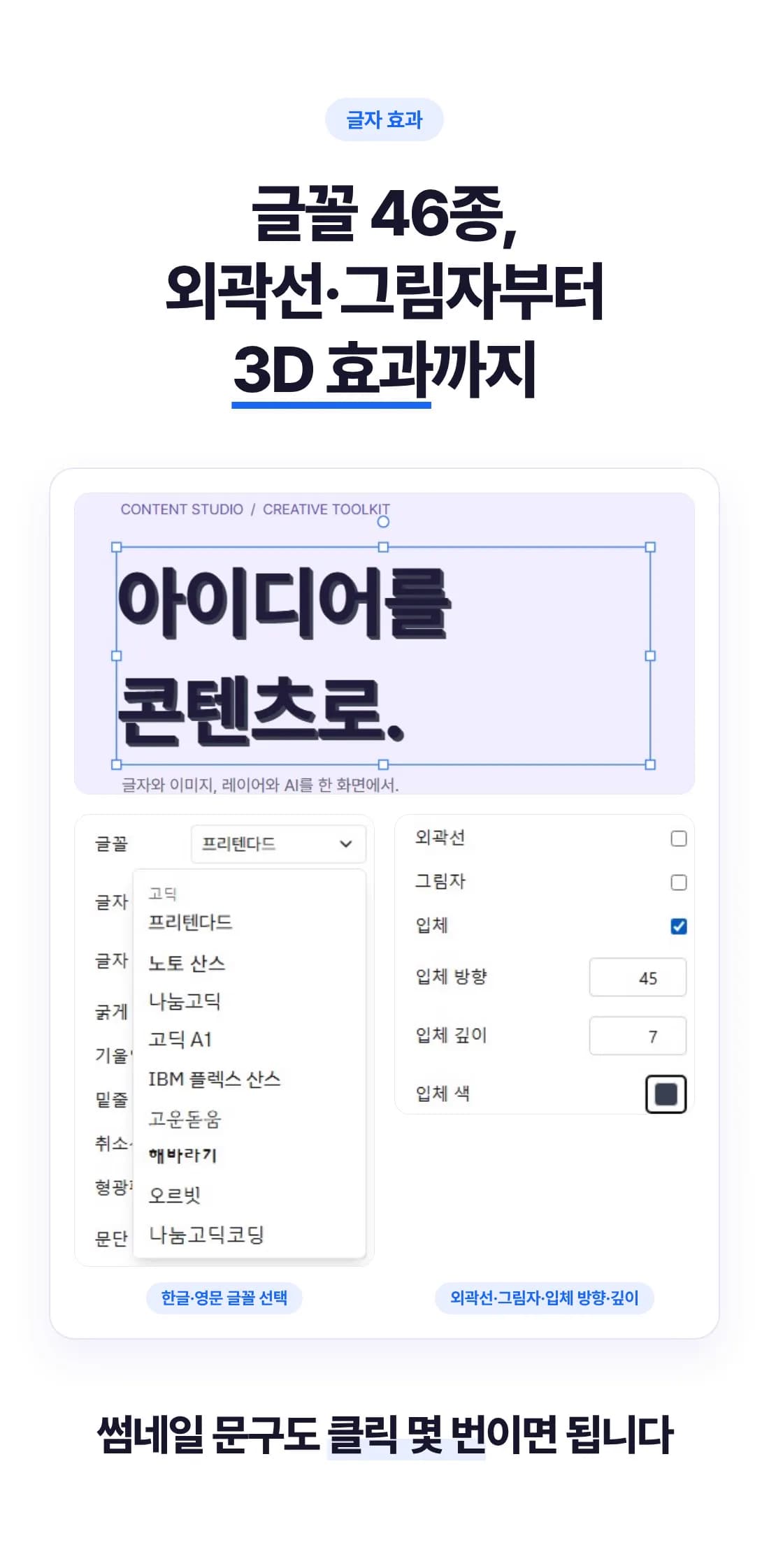
Text effects
46 fonts, from outlines and shadows to 3D
AI partial edit
Paint a spot and only that part changes
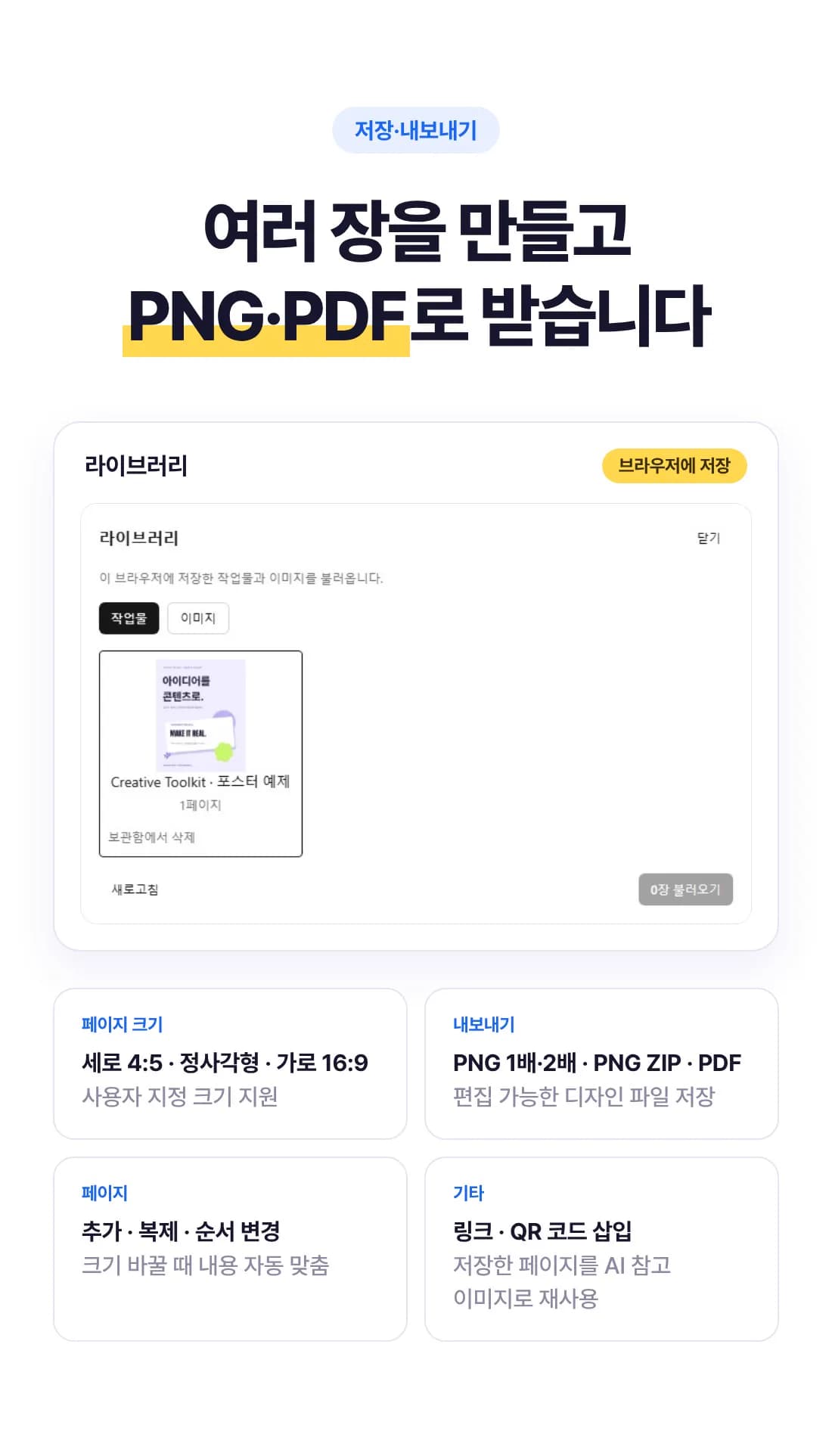
Save and export
Make many pages, export as PNG or PDF
Only on FormWith
One image,
every portal ad size.
- Google 1200×628
- Google 1200×1200
- Google 960×1200
- Google 1200×300
- Kakao 1200×1200
- Kakao 1200×600
- Kakao 720×1280
- Kakao 960×1200
- Kakao 960×300
- Naver 1200×1200
- Naver 1200×628
- Naver 1250×560
- Naver 300×300
- Naver 456×304
- Naver 376×220
- Naver 214×214
- Naver 750×160
17 portal ad sizes
12 resized at 0 credits
3Naver · Google · Kakao
Ask simply.
Use what you made
in your next work.
Make a promo image for our new cafe menu
What mood do you like? How about a warm winter feel?
Great, go with that